
start
start
start

Categories
Recent posts
Search

Improved stability and bug fixes
- Previously, Start could crash when creating file thumbnails if the necessary permissions were missing.
- In rare instances, Start might not capture Spotlight data correctly.
- The input field for hotkeys was not always displayed correctly in Dark Mode.
New
You can ...
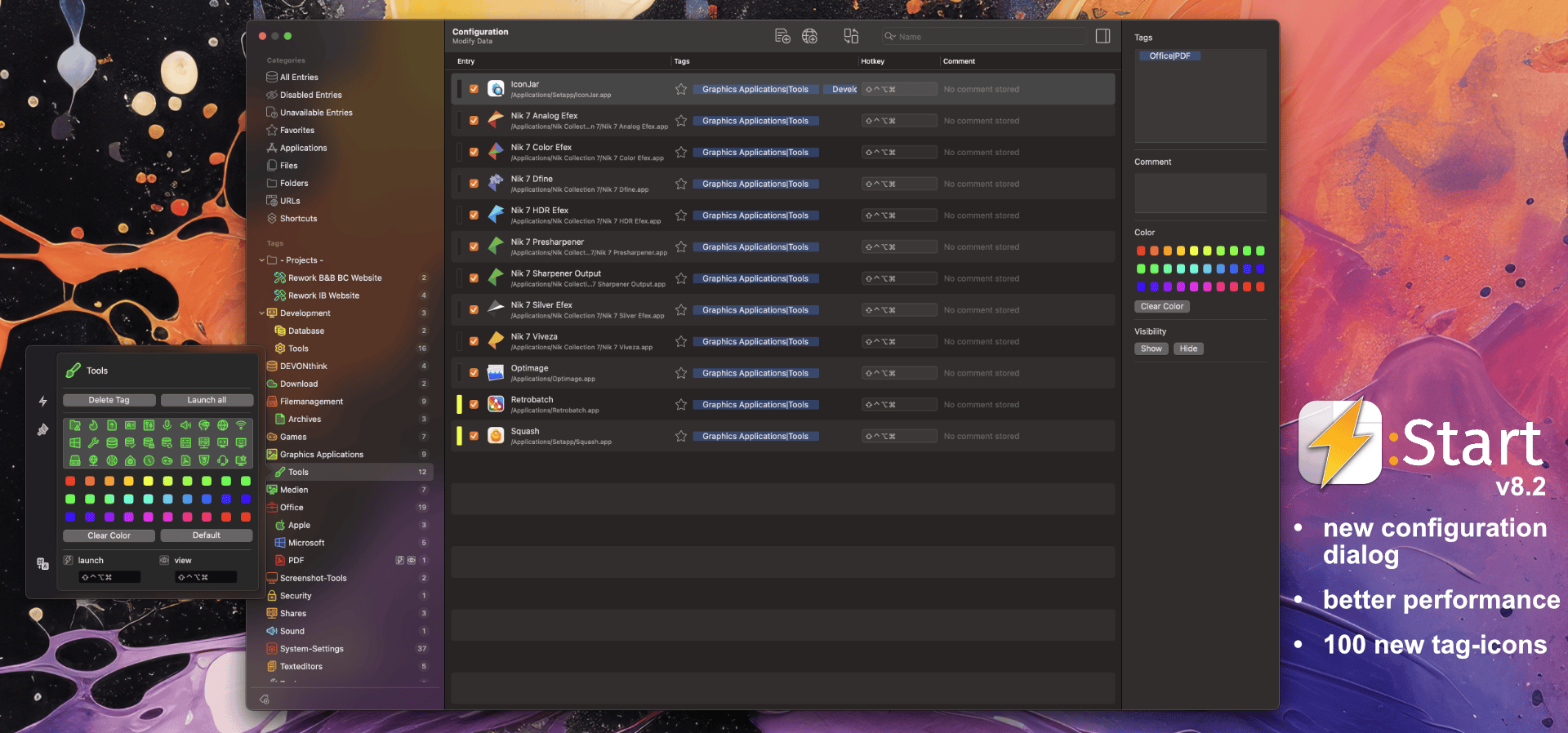
New
The configuration dialog has been completely revised to provide you with an even better user experience:
- New Sidebar: The new sidebar on the left side of the configuration dialog allows you easy and intuitive navigation. It resembles the sidebar of the main window and gives you direct access ...

The new update includes comprehensive optimizations and exciting new features:
New category "Recent Files":
You can now quickly and easily access recently opened files with Start. You can specify in settings where to search for these files.
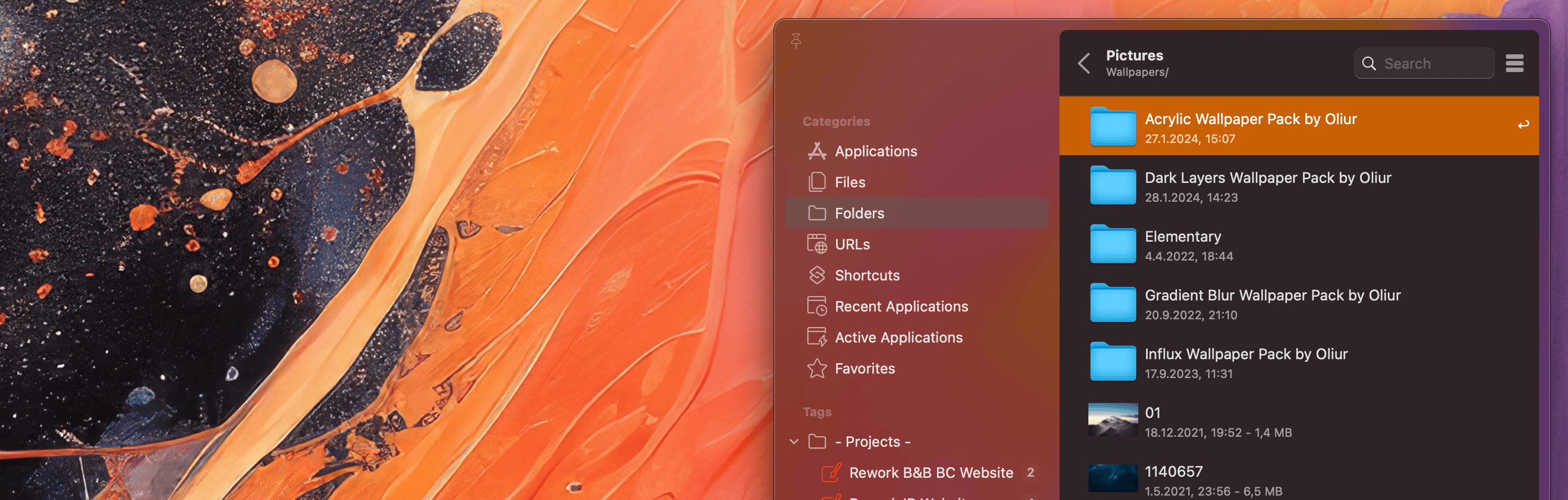
From the beginning, not only files and URLs but also folders can be manually added to Start. When these folders were launched from Start, the folder content was displayed in Finder or another file manager. This feature was expanded in Start 7.5: Start can now optionally display the content of a folder itself and open entries from it.
The following ...
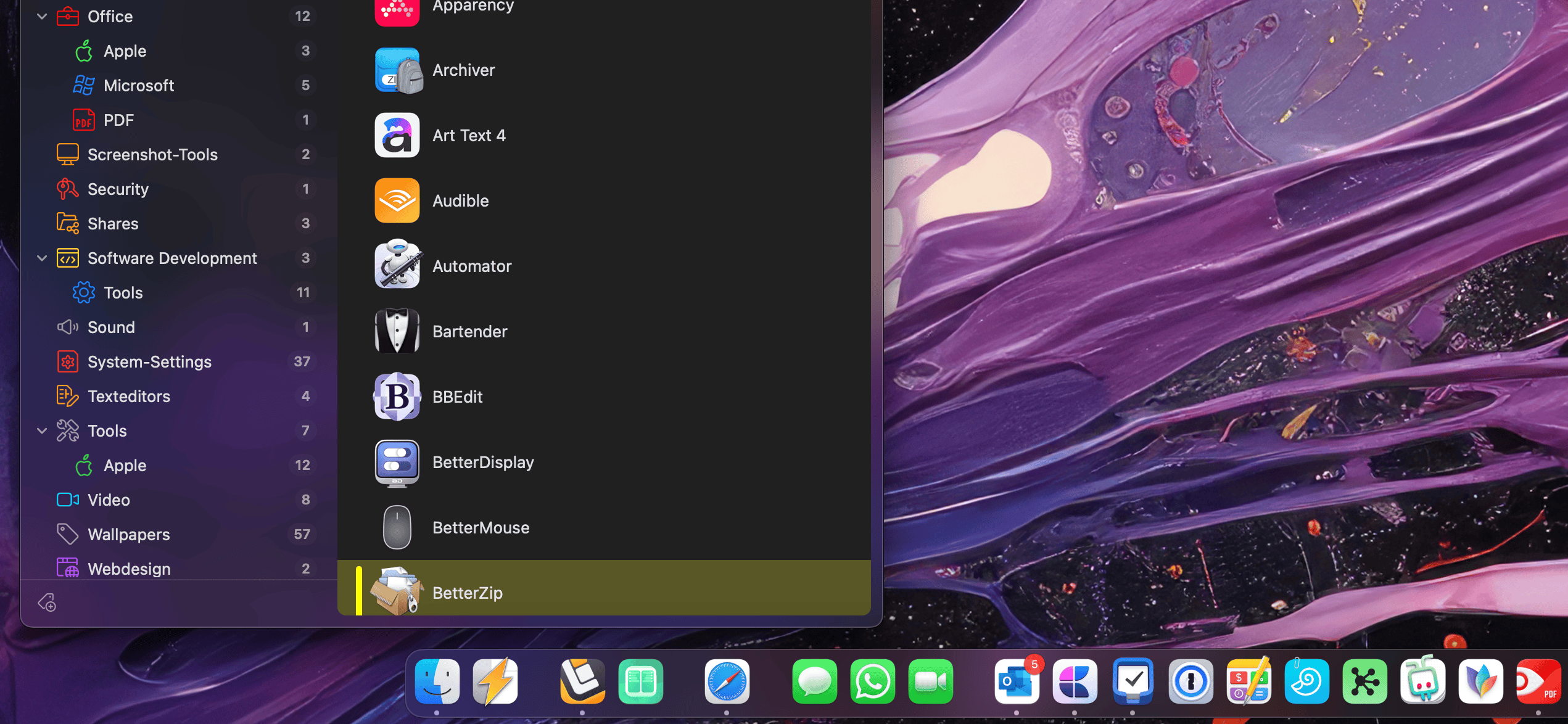
You can also open the main window of Start via a Dock icon.
Two steps are necessary for this:
1. Drag the Start to the desired position on the dock.
As a menu bar tool, Start does not automatically appear in the Dock, so this step is necessary.
2. Define in the settings where the main window of ...

With the shortcut Control + Option, you can easily and quickly display all assigned tags for the currently displayed entries.
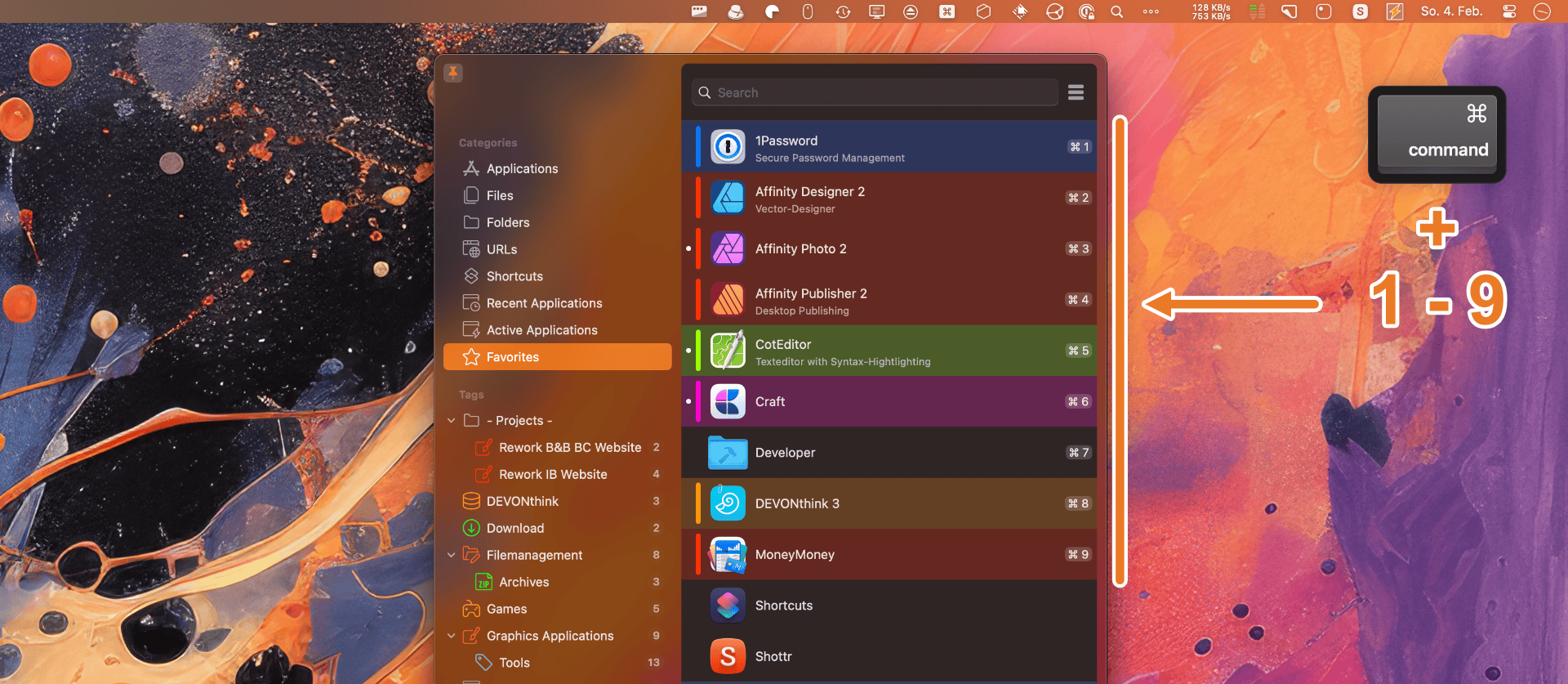
Especially after a search process in Start, it can be practical to quickly launch one of the first entries without having to select it with the mouse first. If you hold down the Command key at Start, you can quickly launch one of the first nine entries along with the corresponding number key.